Top 3 Best AI Proofreading Tools Alternatives 2026

Choosing a reliable and practical AI tool for website proofreading and grammar checks creates confusion when different sites and formats demand frequent edits. Most mainstream tools require expensive subscriptions or lack features for entire website scans and team workflows, which wastes resources for occasional or large-scale checks. This comparison covers pay-per-page billing, multi-language support, and long form editing so professionals can pick the best alternative for their editing needs.
Table of Contents
Website SpellChecker
At a Glance
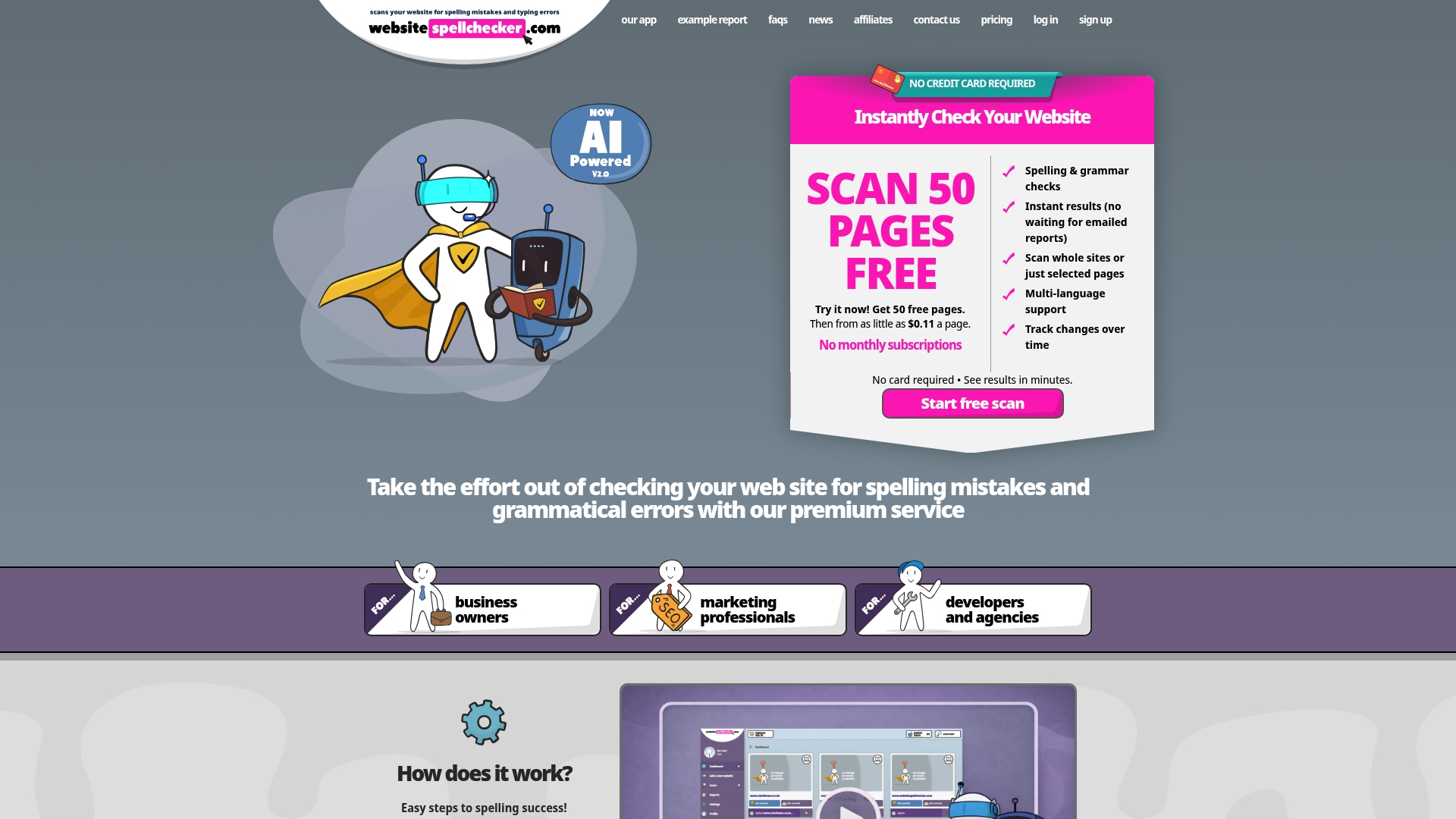
Pay-per-page billing starts at $0.08 per page, and the service includes a 50-page free trial. The vendor advertises instant AI scans that identify spelling and grammar errors across whole sites in minutes. Reports include on-page screenshots and shared workflows so teams can assign fixes quickly.
Core Features
Website SpellChecker runs instant AI-powered website scans and supports multiple languages and regions. It scans entire sites or specific pages, directories, or sections, and it can track changes over time and rescan after fixes. Error reports show exact page locations, include screenshots, and can be shared with colleagues or developers.
Key Differentiator
The main advantage is instant, AI-driven, multi-language site scans that produce detailed, shareable reports enabling rapid error correction at scale.
Pros
Results appear in a central dashboard almost immediately, which helps you find and prioritise problems without manual proofreading. The pay-per-page model removes monthly commitments and suits teams that scan intermittently. Detailed reports with on-page screenshots and shareable workflows make it straightforward for marketers, developers, and agencies to assign and verify fixes.
Cons
- Per-page pricing can become costly for very large websites, so calculate projected scan volume before a broad rollout.
Who It’s For
You manage one or many websites and need fast, repeatable checks that do not require constant subscriptions. Marketing teams and localisation leads will value multi-language scanning and clear reports. Web developers and agencies will appreciate rescan capability and the ability to share fixes with clients and colleagues.
Unique Value Proposition
Pay-per-page from $0.08 with a 50-page free trial lets teams scan high-priority pages without a monthly fee commitment. That billing model reduces upfront cost for occasional scans and lets you validate value before scaling. For small teams this can lower annual spend compared with always-on subscriptions.
Real World Use Case
A digital marketing agency runs weekly scans of client landing pages, flags spelling errors, and sends annotated screenshots to developers. The team resends a rescan after fixes to confirm remediation, cutting manual proofreading time and helping protect conversion rates and search visibility.
Pricing
Pricing is pay per page, from $0.08 per page, with a 50-page free trial for initial scans. Costs rise with site size, so plan scan frequency and scope to control expenses.
Website: https://websitespellchecker.com
Grammarly
At a Glance
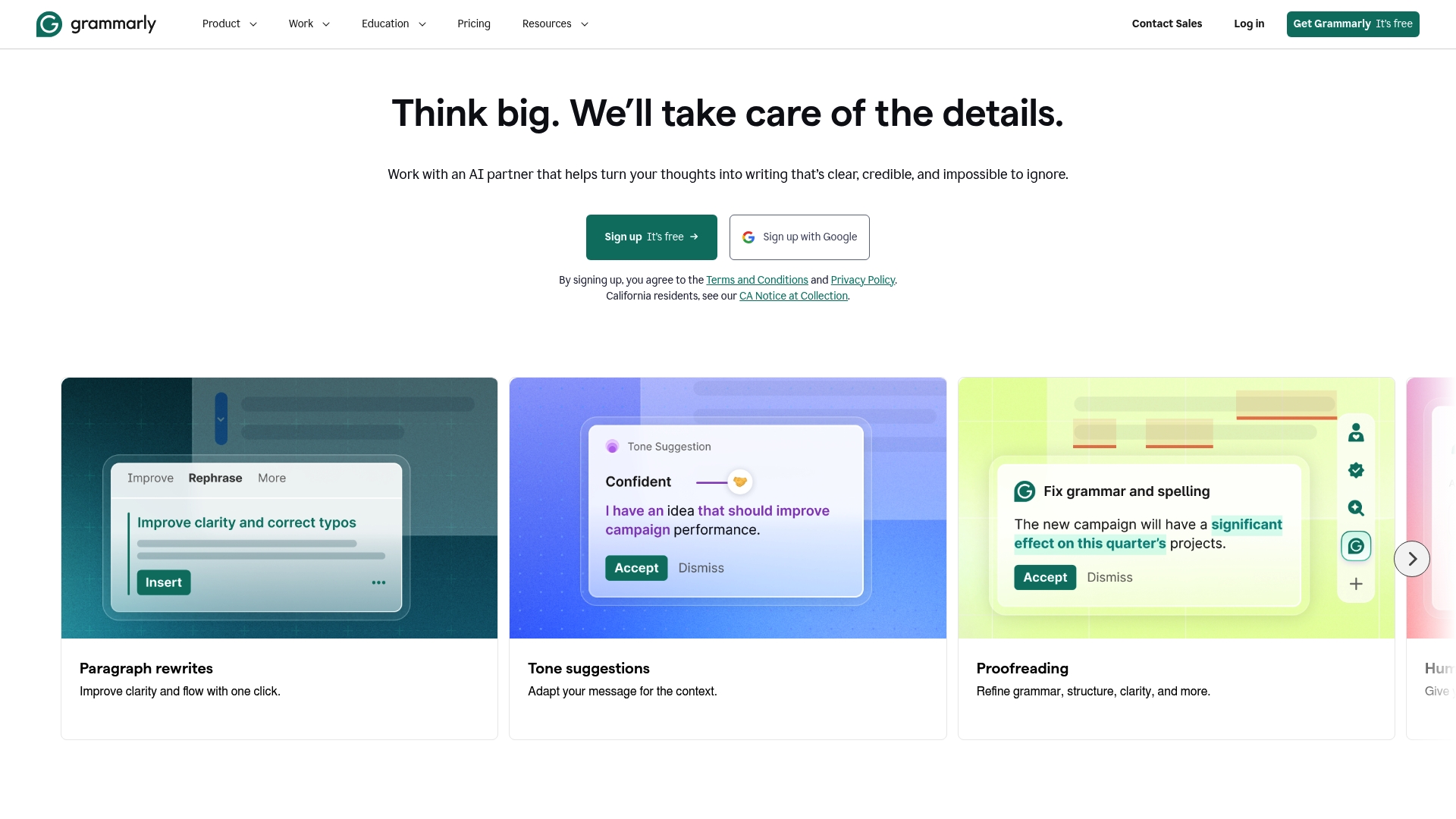
Grammarly’s marketing materials state it is trusted by millions globally. The tool pairs grammar and spell checking with tone and clarity suggestions to polish writing. Its cross-platform reach makes edits available in browsers, document editors, and mobile apps.
Core Features
Grammarly offers real-time grammar and spell checking alongside suggestions for clarity and tone that help shape the voice of a piece. It provides AI-assisted rewriting and content suggestions and includes plagiarism detection and a citation generator for academic and professional work. Integrations cover browser extensions, Microsoft Office, Google Docs, and mobile keyboard apps for consistent editing across devices.
Key Differentiator
Grammarly’s defining feature is its AI-driven real-time suggestions that adapt to a user’s tone and style across platforms. The suggestions appear as you type and aim to match formality and purpose. That focus on tone makes it useful when consistency of voice matters.
Pros
Grammarly catches grammatical errors and typos quickly, which saves time during drafting and editing. Its interface works across browsers, Office, Google Docs, and mobile apps, so you keep the same tooling across devices. The tone and clarity suggestions help you adjust phrasing for different audiences, and the plagiarism check aids academic and compliance workflows.
Cons
- Suggestions can feel overly formal or conservative for creative or highly technical writing. This may require you to ignore or rework edits.
- The premium subscription can be expensive for casual or infrequent users. Budget-conscious buyers may find the free tier limiting.
- The interface can feel intrusive while editing, and occasional lag affects the flow when you write quickly.
- AI suggestions sometimes miss context and offer irrelevant rewrites, requiring manual review.
When It May Not Fit
If you write creative fiction or specialist technical material, Grammarly’s editing tone may misalign with your intent. Freelancers or hobby writers who use tools infrequently may find the premium cost hard to justify. Teams that need deep custom grammar rules or industry‑specific lexicons will find the tool limited.
Notable Integrations
- Browser extensions: Chrome, Firefox, Safari, Edge
- Microsoft Office add-in
- Google Docs
- Mobile keyboard apps
Who It’s For
Solo professionals, students, and organisations seeking reliable, easy to use writing support across devices will get the most from Grammarly. Editors and content teams who value consistent tone and quick error checking benefit from its centralised suggestions. Writers who prefer minimal interference and custom rule sets may need a different fit.
Real World Use Case
A marketing team uses Grammarly to check campaign emails for grammar, tone, and brand consistency before sends. The tool flags tone shifts and suggests clearer phrasing, which reduces rounds of manual editing. That saves the team time and cuts avoidable errors in customer communications.
Website: https://grammarly.com
ProWritingAid
At a Glance
ProWritingAid ships more than 25 in-depth reports that inspect style, pacing, readability, and sentence-level patterns. The tool pairs grammar checks with story-focused feedback, so writers see structural issues alongside copy edits. Many authors use the reports to pinpoint weak scenes and repetitive phrasing quickly.
Core Features
Deep grammar and style analysis flags errors and offers alternative phrasing, while manuscript tools let you review chapters as discrete units. Story tools such as Story Canvas and Plot Analysis examine arc and pacing, and the Virtual Beta Reader and Character Analysis focus on motive and consistency. The editor also includes sentence rephrasing via Rephrase and sensory prompts with Sparks.
Key Differentiator
The product specialises in long form work by combining line edits with structural diagnostics. It treats a manuscript as both prose and plot, so you get sentence fixes and narrative coaching in one place. That dual focus sets it apart from grammar-only editors aimed at shorter copy.
Pros
The analysis depth makes the tool useful for novelists, academics, and marketers who need more than simple grammar checks. Integrations with common writing environments reduce copy and paste, so you can edit inside familiar apps. Story and character tools let creative writers test arcs and viewpoint consistency, while yearly and lifetime licence options often work out cheaper than monthly plans over time.
Cons
- Interface can feel cluttered for new users, with many reports visible at once.
- Performance may slow on very large documents, especially during full manuscript scans.
- Third party integrations are sometimes buggy, creating occasional sync errors with external editors.
- The free tier limits word counts and features, and premium pricing sits high for casual hobby writers.
When It May Not Fit
If you prefer a minimal editor, the volume of reports will feel excessive and distracting. Teams working on extremely large files may notice lag and interrupted workflows. The tool is focused on English writing, so multilingual projects will need a different solution. Hobby users on tight budgets might find premium licences hard to justify.
Notable Integrations
ProWritingAid connects directly to MS Word, Google Docs, and Scrivener, and offers browser extensions for Chrome, Firefox, and Edge. Those integrations let you run checks in situ and keep document versions in your normal workflow. Integration stability varies by platform, but the coverage is broad.
Who It’s For
Writers, authors, bloggers, and content creators who need detailed stylistic and structural feedback will get the most from this tool. Academic authors who must refine argument flow and clarity will also find the reports helpful. The product suits people who edit long form work rather than short social posts.
Real World Use Case
An author runs a full manuscript report to expose pacing holes and repeated motifs, then uses character analysis to tighten inconsistent dialogue. They apply sentence rephrasing to reduce passive voice and improve clarity. After revisions, the manuscript reads more consistently and shows stronger scene progression.
Pricing
Pricing ranges from a free basic tier with limits to subscription plans offered monthly, yearly, or as a lifetime licence. The vendor advertises discounts for annual and lifetime purchases, and pricing spans modest monthly fees up to higher one-time lifetime costs. Exact figures depend on the licence type and regional offers.
Website: https://prowritingaid.com
Comparison of alternatives
When comparing tools for proofreading and grammar checking, the unique features of each solution cater to specific use cases. Each product suits particular workflows and presents tailored advantages.
Detail sensitivity and scope
Website SpellChecker specialises in instant, detailed AI-driven website scans, producing reports that include on-page screenshots. This setup suits firms managing large websites aiming for localisation accuracy but requiring intermittent, targeted usage. By contrast, Grammarly emphasises cross-platform, real-time grammar and tone support, offering immediate assistance during content creation. Meanwhile, ProWritingAid provides an in-depth stylistic and structural assessment suitable for long-form content, addressing the needs of authors and academic professionals.
Cost structures and scalability
Website SpellChecker employs a pay-per-page pricing model, advantageous for occasional use but potentially expensive for sites requiring frequent adjustments. Grammarly offers subscription options, capable of supporting regular usage on diverse device types; however, budget-conscious users with irregular needs may find this restrictive. ProWritingAid presents flexible plans, including cost-effective lifetime licences, making it a viable option for users consistently requiring stylistic advice.
Best fit
- Teams frequently requiring scans of websites in multiple languages will benefit most from Website SpellChecker due to its high accuracy and targeted reporting per usage.
- Individuals or organisations needing tone and clarity suggestions during content generation will find Grammarly exceptionally valuable due to its real-time, contextual guidance.
- Writers or editors working on extensive manuscripts or technical papers will appreciate ProWritingAid for its deep style analysis and structural tools.
Our pick
Website SpellChecker emerges as the standout tool for professionals needing instant and extensive website-linguistic audits. Its detailed, shareable reports accommodate collaborative workflows, ensuring rapid issue resolution. However, if your primary aim involves maintaining consistent tone while writing or editing long form, alternative options like Grammarly or ProWritingAid might better match those needs.
Identify the most suitable AI-assisted proofreading tools with detailed comparison in features, pricing, and user context.
| Tool Name | Core Feature | Key Differentiator | Best For | Pricing | Notable Limitation |
|---|---|---|---|---|---|
| Websitespellchecker | Multi-language site scans | Instant, shareable error reports | Marketing teams and developers | $0.08 per page, 50 free pages | Per-page price might increase cost for larger websites |
| Grammarly | Real-time grammar checks | Tone and clarity suggestions | Solo professionals and editors | Free and Premium plans | Suggestions may not suit creative or technical writing |
| ProWritingAid | In-depth stylistic analysis | Structure-focused diagnostics | Authors and manuscript editing | Subscription or Lifetime | Interface may be cluttered and slows for large documents. |
Choosing the Right AI Proofreading Tool for Your Website Challenges
Maintaining a professional online presence requires more than simple spell checks. Websites filled with errors chip away at trust and search rankings alike. Websitespellchecker offers a practical solution with AI-driven, instant scans of complete websites or specific sections. It pinpoints spelling and grammar mistakes fast and tracks corrections over time so your site stays polished without ongoing subscriptions.
Key benefits include
- Pay-per-page billing removes monthly fees for occasional scans
- Detailed reports with on-page screenshots help marketers and developers assign fixes with ease
- Multi-language capabilities serve global marketing and localisation leads well
See why marketing teams and web developers trust Websitespellchecker to keep sites error-free. Try the free 50-page trial and scan your most important pages. Visit Websitespellchecker to start finding errors in minutes and confirm corrections with instant rescans.
FAQ
What pricing options does Websitespellchecker offer for its scanning services?
Websitespellchecker operates on a pay-per-page basis, starting at £0.08 per page. This model allows teams to scan high-priority pages without any monthly subscription commitments, making it a flexible choice for various scanning needs.
What are the strengths of Grammarly compared to Websitespellchecker?
Grammarly excels with its real-time grammar and spell checking, along with suggestions for tone and clarity. Websitespellchecker is best suited for instant, whole-site scans for proofreading, which differs from Grammarly’s focus on individual pieces of writing.
How does Websitespellchecker provide feedback on errors during scanning?
The tool generates detailed reports that include exact page locations and on-page screenshots. This feature allows users to easily share feedback with team members and efficiently correct identified mistakes.
Is Websitespellchecker suitable for large websites that need frequent scans?
While Websitespellchecker is effective for scanning entire sites or specific sections, the per-page pricing can add up for very large websites. It’s advisable for users to calculate their projected scan volume to manage costs effectively.
Can I track changes over time with Websitespellchecker?
Yes, Websitespellchecker allows users to track changes and rescan pages after corrections have been made. This functionality is instrumental for maintaining quality across website content over time.