Top 3 Content Audit Tool Alternatives 2026

Finding a website spell checking tool that balances affordability, multi-language support, and instant site-wide scanning is harder than expected. Most established tools either charge high monthly fees, lack bulk site scanning features, or restrict key functions to expensive tiers. This comparison highlights pricing, audit features, and language coverage so you can match the right website spell checker to your team size, audit needs, and budget without committing to an unsuitable subscription.
Table of Contents
Website SpellChecker
At a Glance
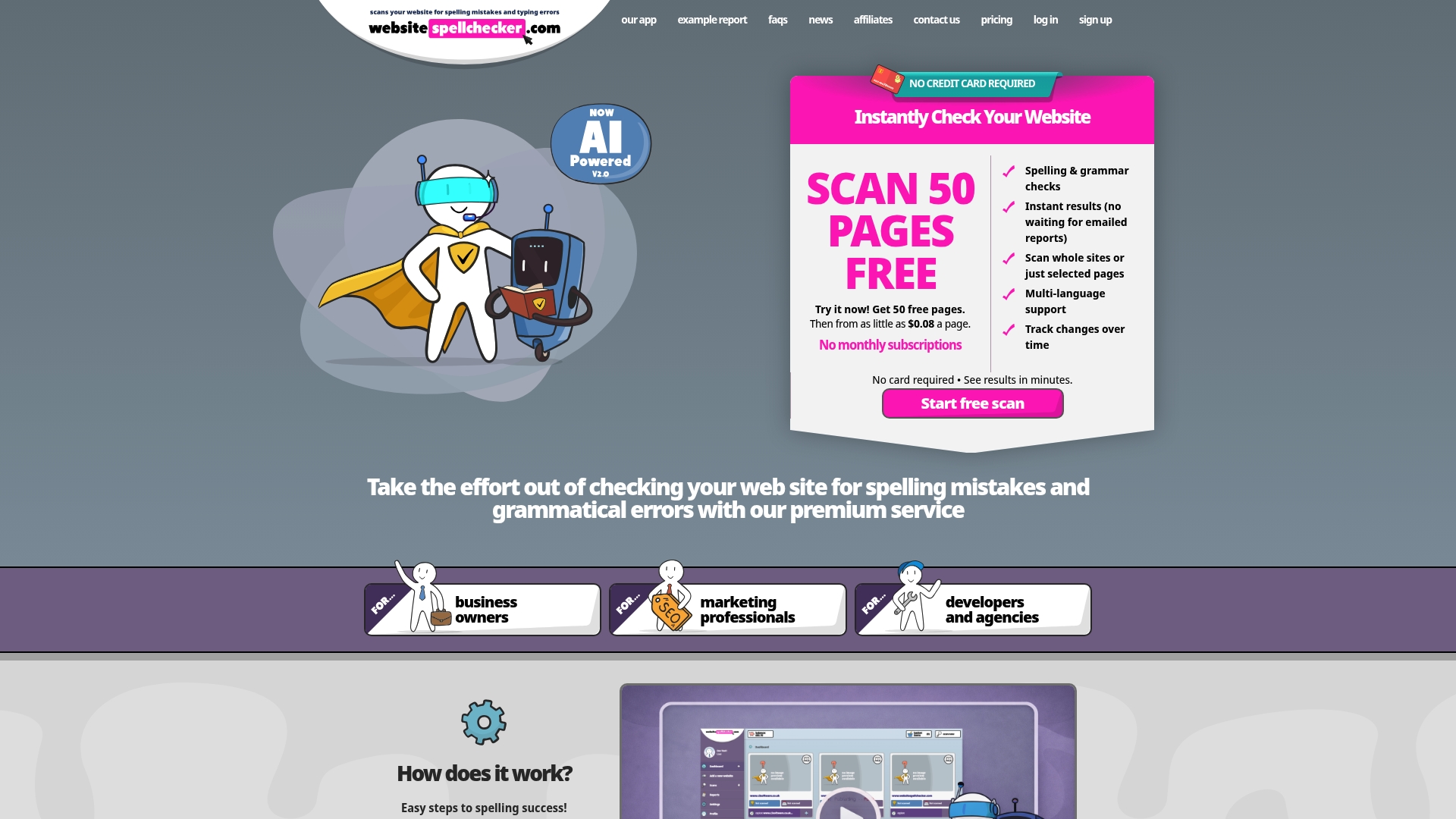
The vendor advertises an initial 50 free pages per scan. After that, checks are charged on a pay per page basis from £0.6 per page. Its AI scan returns instant reports across whole sites and records changes over time so you can track corrections.
Core Features
An automated site scanner identifies spelling and grammatical mistakes across selected pages or entire sites. Results appear instantly as itemised reports and the tool supports more than 20 languages. It records edits over time so you can review whether fixes remain in place. Reports include line references and suggested corrections to speed manual edits.
Key Differentiator
Instant, AI powered site scanning that checks all pages at once and logs changes over time. That combined scope removes the need to paste individual pages into a separate checker. Teams with many client sites can validate content quickly across an entire domain rather than page by page.
Pros
Automated detection saves time compared with manual proofreading and scales to large sites without extra effort. There is no monthly subscription. You pay per page and the tool supports multiple languages while producing instant itemised reports that help protect reputation and search rankings. The reports help protect professional reputation and can reduce the risk of search ranking penalties.
Cons
- May miss highly contextual grammatical errors, so some corrections still require manual review.
Who It’s For
You are a website owner, marketer, developer, or agency that needs quick proofreading before launches. Small teams benefit from pay per page pricing because checks can be bought when needed. Agencies handling multiple clients will value the history of tracked edits. International teams will find the multi language support useful for non English pages.
Unique Value Proposition
No monthly fees and pay per page billing let you buy checks only when you need them. That approach reduces the upfront cost of site quality checks for smaller businesses. It turns audits into one off purchases instead of ongoing subscriptions. For small businesses, buying only the checks you need lowers ongoing costs and administrative overhead.
Real World Use Case
A marketing agency runs a full site scan before each client launch to find spelling and grammar errors. The team exports the itemised report, assigns fixes to writers, and re scans pages to confirm corrections. Tracking keeps a record so the agency can prove quality control on client deliverables. Pay per page billing allowed the agency to scope checks per project and keep invoices clear.
Website: https://websitespellchecker.com
Grammarly
At a Glance
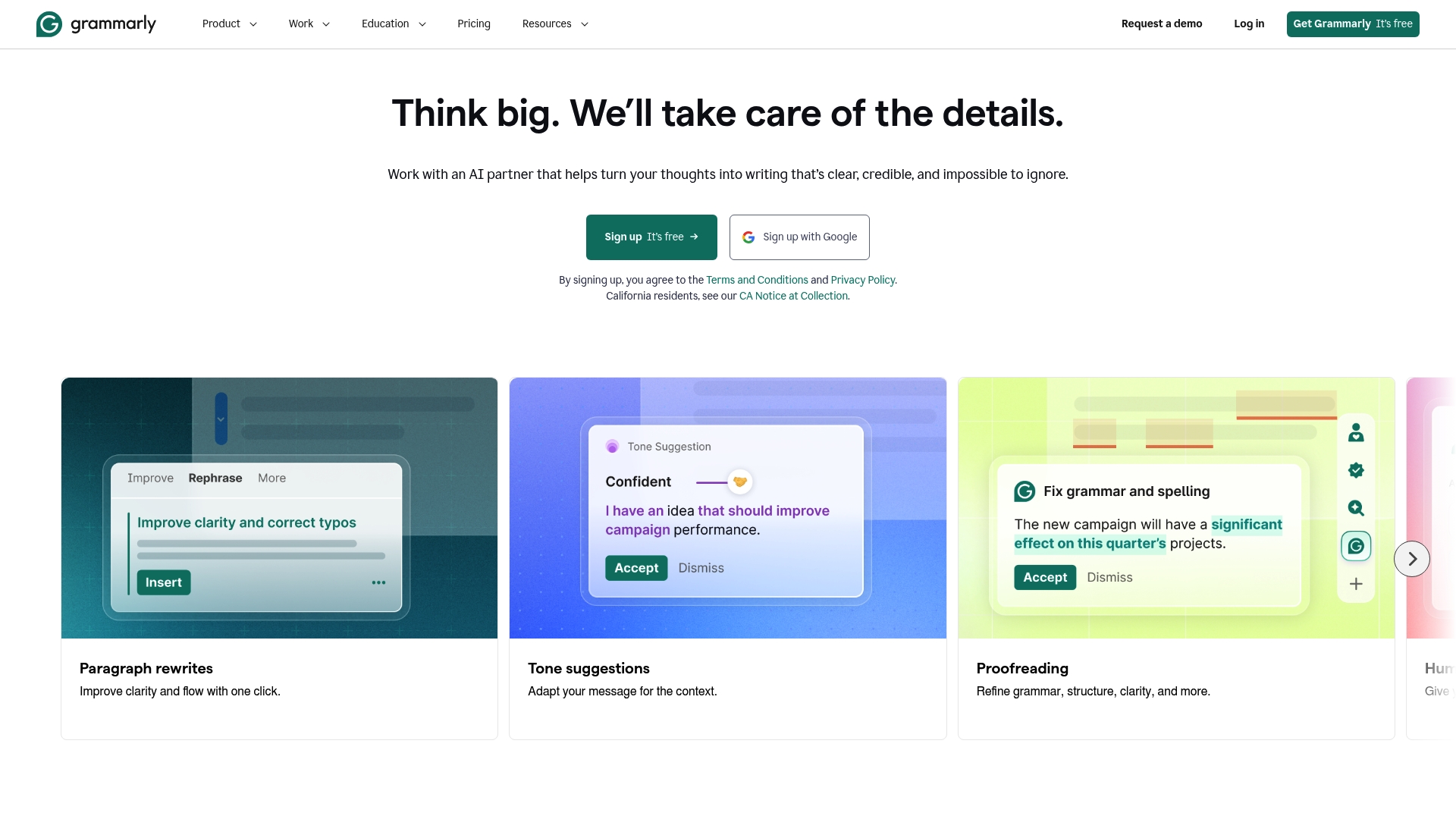
Plagiarism detection and citation assistance sit behind the Premium and Business tiers. Grammarly offers full sentence rewriting and context aware tone suggestions across browsers, desktop apps, and mobile. The product emphasises data security and user privacy as part of its core offering.
Core Features
Real time grammar, punctuation, and spelling correction operates in browser extensions and desktop applications. Tone and style suggestions adapt to the writing context, while full sentence rewriting helps you rework copy quickly. Premium and Business plans add plagiarism detection, citation assistance, and AI generated content prompts for ideation.
Key Differentiator
Grammarly focuses on AI powered suggestions that adapt to user tone and intent while keeping data security central. That focus suits writers working in emails, documents, and messaging rather than tools built to scan every page of a website at once. The product therefore serves writers and teams who edit prose directly rather than run site wide audits.
Pros
Grammarly delivers broad writing support across tone, clarity, and style while running in the apps you already use. Integrations with browsers, Office, and collaboration tools reduce friction when drafting or editing. The vendor positions flexible plans for individuals, teams, and enterprises, and highlights privacy safeguards for organisational use.
Cons
-
Some users report suggestions feel overly invasive or produce an off tone.
-
Advanced capabilities are restricted to paid tiers, limiting the free plan.
-
A handful of integrations and features require extra setup or have limited availability.
When It May Not Fit
If you need a tool that scans entire websites for spelling and grammar in one automated pass, Grammarly is not the right choice. If you must have every advanced feature on a no cost plan, this product will feel limited. For critical legal or medical documents, rely on professional editing rather than this assistant.
Notable Integrations
-
Google Chrome
-
Microsoft Office (Word, Outlook)
-
Google Docs
-
Slack
-
Microsoft Teams
-
Various browsers and desktop applications
Who It’s For
Individuals and professionals who want to improve everyday writing will benefit. Business teams that require consistent written communication across documents and messages will also fit this product. Academic writers and content creators who draft frequently will find the tone and clarity tools useful.
Real World Use Case
A marketing team using Grammarly Business sets shared style preferences and reduces editorial cycles. Team members draft in Google Docs and Outlook while the tool flags tone differences and citation issues. That process keeps the brand voice more consistent and cuts time spent on manual edits.
Pricing
A no cost tier is available for basic checks. Pro is offered at $12/month billed annually or $30/month billed monthly, and Enterprise carries custom pricing through sales. Volume discounts and bespoke contracts apply for large teams per the vendor.
Website: https://grammarly.com
Scalenut

At a Glance
According to the company, Scalenut can deliver measurable SEO and visibility gains in weeks rather than months. The platform combines rapid drafting called Cruise Mode with tools for keyword clustering and content auditing. That mix aims to move content programmes from planning into execution quickly and with tracked results.
Core Features
Scalenut pairs AI driven content creation with content optimisation that targets search intent and on page factors. Cruise Mode accelerates drafting while the platform also offers keyword and topic clustering plus NLP analysis for audits. GEO content strategies sit alongside workflow features that let teams assign tasks and review drafts.
Key Differentiator
Scalenut merges automated content generation with real human review and uses multi engine tracking to measure visibility across Google and AI platforms. The combination of human oversight and multi engine tracking sets it apart from tools that focus solely on generation.
Pros
That speed claim makes Scalenut suited to teams that must publish at scale and show results quickly. Its scalability supports both solo marketers and larger agency teams, and the blend of human input with machine drafts helps protect factual accuracy. The platform also tracks performance across Google and ai discovery channels, and offers plan choices that range from basic to enterprise.
Cons
-
Learning curve: Third party reviews report the interface and workflows take time to master.
-
Complex pricing: Multiple tiers and add ons can confuse buyers who prefer a single clear plan.
-
Support transparency: Public details on technical support response times and service levels are limited.
When It May Not Fit
If you need a tool with a minimal learning overhead, Scalenut may feel heavyweight. Buyers on a tight fixed budget might find the tiered pricing and optional extras overwhelming. Projects that require fully automated factual accuracy without human checks will not match the platform’s workflow emphasis on review.
Notable Integrations
Scalenut connects with common publishing and quality tools including Google Chrome extension, WordPress, Shopify, and Copyscape. These integrations help you push drafts into CMS platforms and screen for duplicate content before publication. The Chrome extension speeds research and drafting inside the browser.
Who It’s For
Content marketers, SEO teams, digital agencies, and enterprise brands that need to scale content production and track visibility will get the most from Scalenut. Small teams that can invest time learning a platform will benefit more than those needing an instant plug and play tool. Agencies managing multiple client sites will find the workflow features useful.
Real World Use Case
A digital agency used Scalenut to produce high ranking blog posts and to optimise legacy content for search intent. The team combined Cruise Mode drafts with editor review, then monitored ranking and AI visibility across tracked engines. Traffic improvements followed as the team iterated on keywords and on page signals.
Pricing
Plans start at $24/mo for basic features and rise to $199/mo for advanced team features, with custom enterprise options available for larger clients. The vendor lists add ons and specialised plans for agency and enterprise needs. Trial and exact feature splits should be checked on the vendor site.
Website: https://scalenut.com
Comparison of alternatives
Making an informed decision regarding a website-proofreading tool balances a range of factors, including processing scale, pricing structure, and core functionalities. This section analyses three prominent options to identify their tailored applications.
Processing scale differences
Websitespellchecker.com offers platform-wide analysis by scanning entire websites in a single session. This efficiency benefits resource-constrained teams or agencies handling multiple client sites. In contrast, Grammarly optimises document-level redrafting, suitable for iterative content creation, while Scalenut integrates content generation and optimisation capabilities targeting SEO goals more than proofreading systems.
Pricing structure and flexibility
For cost-sensitive users, Websitespellchecker.com leverages a pay-per-page model, avoiding ongoing subscription fees and ensuring checks are purchased based on necessity. Conversely, Grammarly employs tiered subscription structures catering to individual and professional use without page-specific limitations. Scalenut applies feature contingent tiered pricing better suited for agencies scaling output rather than immediate proofreading.
Best fit
-
Users managing website language accuracy on a per-need basis requiring scalability without subscriptions.
-
Agencies prioritising editing across teams due to shared-tasks workflows favouring multi-user enterprise tools.
-
Professionals drafting documents prioritising clarity and real-time adjustments directly in their daily-use writing tools.
Our pick
Websitespellchecker.com leads in ensuring a non-subscription-based editing process to identify site-wide errors efficiently through instant automation, reducing the administrative burden significantly. However, document-oriented individuals or teams heavily favouring SEO analytics workflows may consider the targeted strengths from Grammarly or Scalenut accordingly.
The comparison below highlights key features and differences among the available website spell checker tools.
| Product Name | Core Feature | Key Differentiator | Pricing | Notable Limitation |
|---|---|---|---|---|
| Websitespellchecker | Automated site spell and grammar scanning | AI scanning entire sites and tracking changes | kr0.78 per page | May miss highly contextual grammar errors |
| Grammarly | Real-time spelling and grammar correction in apps | Context-aware tone and style suggestions | $12–30/month for Premium | Advanced features locked to paid tiers |
| Scalenut | AI content creation and optimisation | Cruise Mode for rapid content drafting | $24–199/month | Learning curve for feature mastery |
How to Tackle Website Content Quality Efficiently
Managing a website filled with spelling and grammatical errors can chip away at your professional reputation and search rankings. Content audit tools that scan entire sites at once ease this burden by saving time and offering instant, detailed reports. For website owners, marketers, and agencies aiming to protect trust and improve site quality, Websitespellchecker provides a practical solution. It uses AI to scan your whole website quickly and tracks corrections over time, so you can monitor improvements without repeated checks.
Key benefits include:
-
Automated, site-wide error detection
-
Multi-language support for international pages
-
No monthly fees, pay-per-page pricing for budget control
See how Websitespellchecker can simplify your proofreading process. Visit Websitespellchecker to run a scan and keep your site polished with minimal effort.

FAQ
How does Websitespellchecker help with spelling and grammar checks?
Websitespellchecker identifies spelling and grammatical mistakes across selected pages or entire sites. The automated site scanner provides instant reports that include line references and suggested corrections, speeding up manual edits. You can efficiently correct errors to protect your professional reputation and improve search rankings.
What is the difference between Grammarly and Websitespellchecker?
Grammarly excels at providing tone and style suggestions that adapt to the writing context, which is beneficial for individuals and teams needing consistent communication across documents. Websitespellchecker, on the other hand, focuses on automated scanning of entire sites, making it more suitable for a broader range of website validation needs. This means you can quickly check all pages at once with Websitespellchecker rather than working document by document as with Grammarly.
Can I use Websitespellchecker for multiple languages?
Yes, Websitespellchecker supports checks in over 20 languages, making it ideal for international teams or websites with diverse audiences. The multilingual functionality ensures that you can maintain quality checks across non-English pages as well. Consider starting with Websitespellchecker to cover comprehensive language needs efficiently.
How does the pricing of Websitespellchecker work?
Websitespellchecker charges on a pay-per-page basis starting from kr0.78 per page after an initial offer of 50 free pages. This pricing model allows users, especially small teams, to only pay for the checks they need, thus managing costs effectively while ensuring quality content.
What should I expect from the reports generated by Websitespellchecker?
You can expect itemised reports that provide instant feedback on spelling and grammatical mistakes, along with recommended corrections. These reports also track changes over time, allowing users to review whether fixes remain in place and ensure ongoing accuracy across the site.