Top 6 WordPress Spell Checker Alternatives 2026

Running spell checks across entire websites with complex layouts is unreliable and slow when relying on standard WordPress plugins. Standard tools check only post editor content or force ongoing subscriptions, missing errors in builder modules or raising cost for occasional audits. The comparison lets you match usage model, builder integration, and pricing across six website spell checker options to suit your team, site, and content workflow.
Table of Contents
- Website SpellChecker
- WProofreader
- Spellmatic
- WP Spell Check
- Spling
- WProofreader CKEditor 5 Integration
- Comparison of alternatives
Website SpellChecker
At a Glance
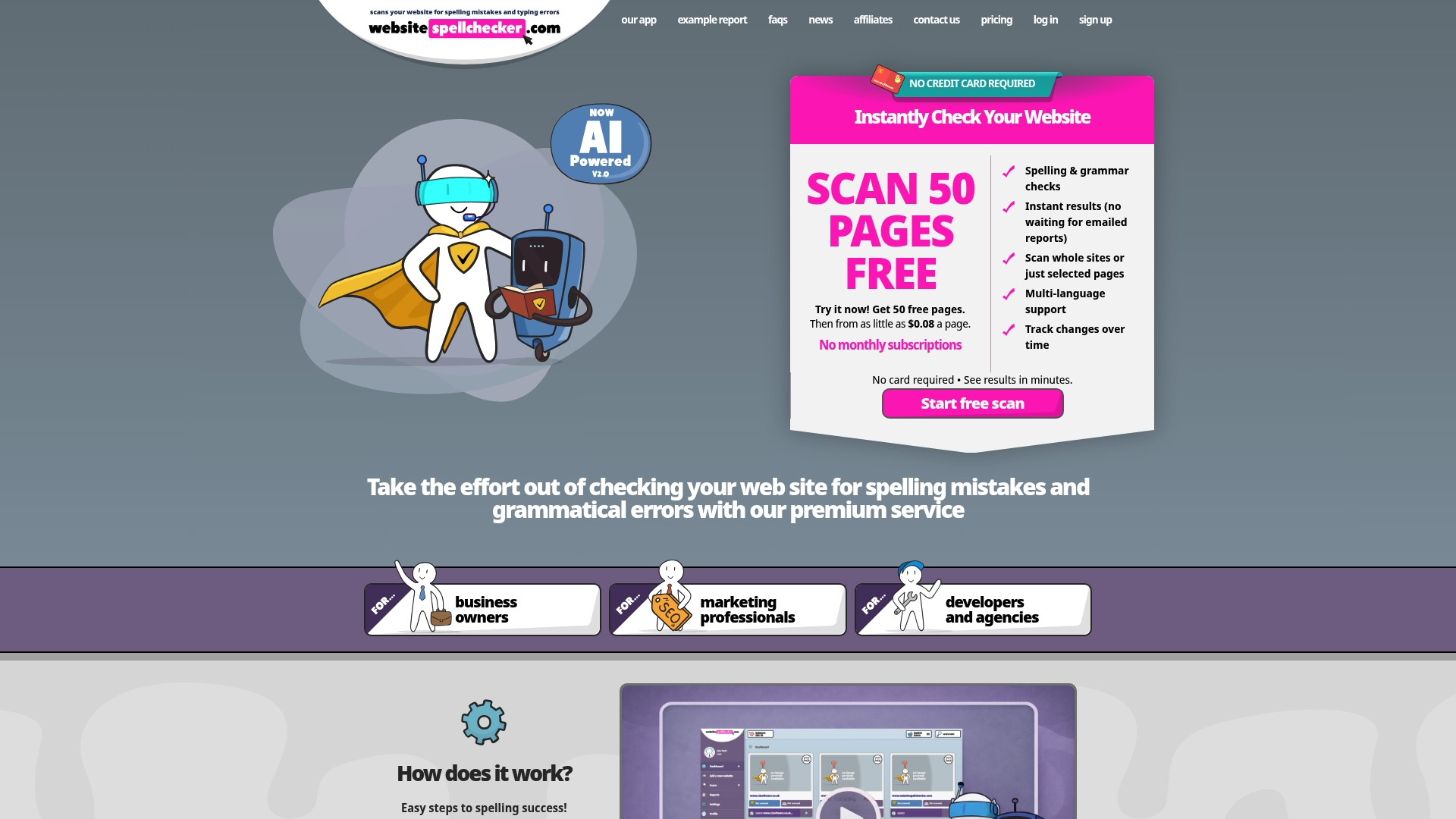
50 free pages for new users with a usage model that charges from $0.08 per page. The tool scans public websites and returns instant reports that show the exact location of spelling and grammatical errors. It also tracks changes over time so you can measure improvements after fixes.
Core Features
Website SpellChecker scans whole sites or selective pages and directories in a single operation, returning instant, comprehensive reports that pinpoint each error. It supports more than 20 languages and gives automated correction guidance so editors know what to change and where. The tool records site quality over time, enabling monitoring without installing software.
Key Differentiator
The feature that sets this tool apart is its AI powered instant website scanning combined with detailed error reports and no subscription requirement. That allows a single pass to surface spelling and grammar mistakes across an entire site or chosen sections, with correction guidance beside each finding. The lack of a subscription means occasional or one off scans remain economical.
Pros
Website SpellChecker delivers immediate, actionable results, which cuts the manual proofreading time for content teams and agencies. Its usage based pricing and the initial 50 free pages mean small businesses can validate site quality before committing to spend. Multilingual coverage and clear error location make it practical for large sites and multi site projects, while tracking over time helps you prove that fixes reduced errors.
Cons
- Does not scan password protected or private pages, so it cannot check content behind logins.
Who It’s For
Developers, agencies, business owners, and marketing teams who need quick verification that site content is typo free. It suits teams launching pages or campaigns who want fast, low cost checks across many URLs rather than ongoing subscriptions. Content teams working across languages will find the language support useful.
Unique Value Proposition
The concrete advantage here is the usage based model with an initial 50 free pages, which removes subscription commitment for infrequent scans. That model lowers the barrier for one off launches and seasonal campaigns while letting larger sites scale by purchasing credits. Combined with tracked reports, this approach reduces cost while boosting confidence in public content.
Real World Use Case
A small business scans its entire public site before a product launch and receives a report that flags location and suggested corrections. The owner fixes the items in a few hours rather than days, publishes the corrected pages, and uses the tracking feature to confirm the site error count fell after the update.
Pricing
Pricing is usage based, starting at $0.08 per page with no subscription required. New users receive 50 free pages to evaluate the service. Buyers purchase credits as needed, which suits occasional checks and avoids recurring fees.
Website: https://websitespellchecker.com
WProofreader
At a Glance
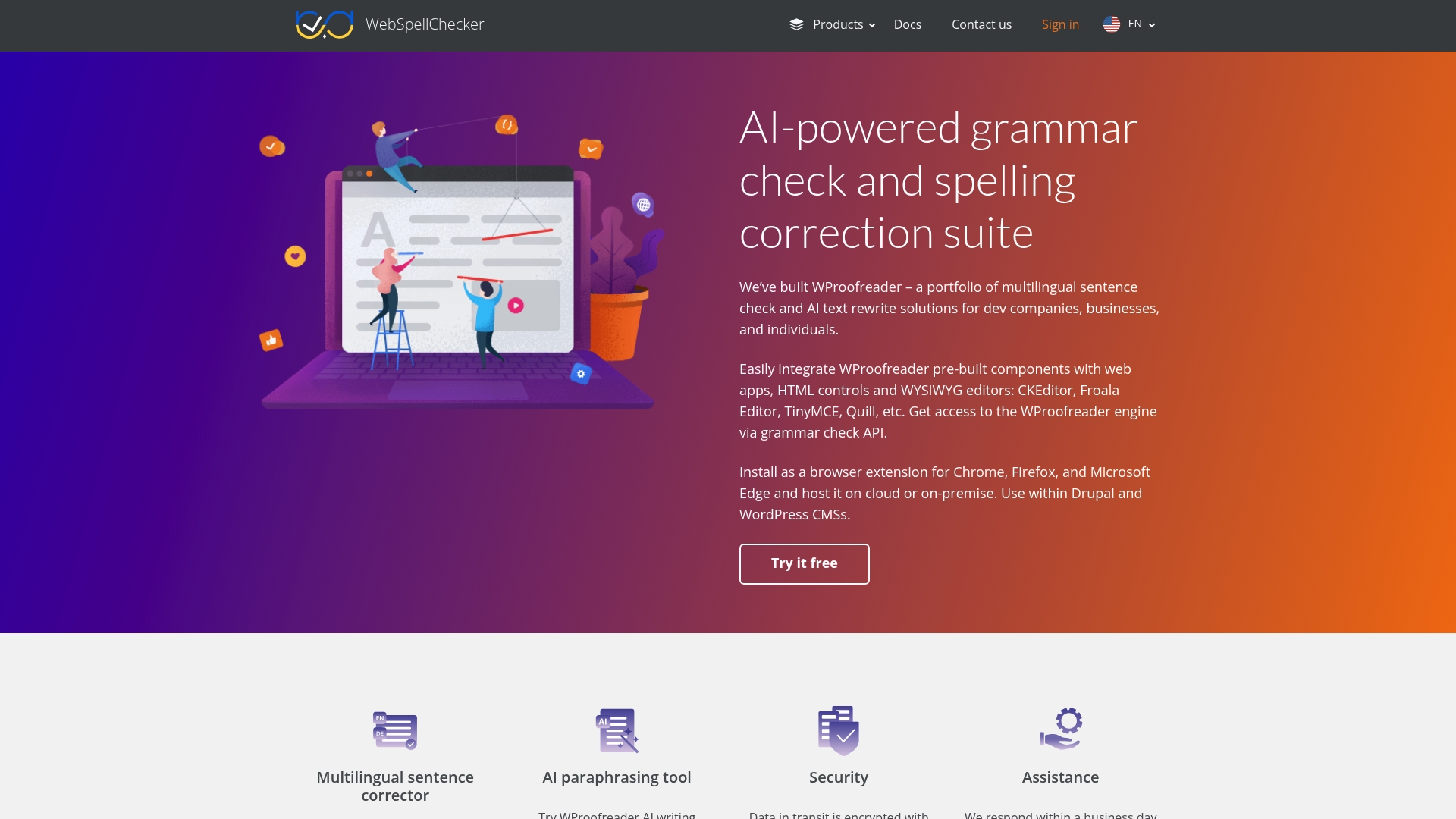
GDPR-compliant and available for on-premise deployment as well as AWS cloud hosting. The vendor states it supports more than 20 languages for AI grammar correction and paraphrasing. It includes browser extensions, CMS plugins, and an API for embedding proofreading into web apps.
Core Features
WProofreader provides multilingual sentence correction, AI paraphrasing, and text rewriting tools that operate across editors and input fields. It supplies plugins for CKEditor, TinyMCE, Froala, Quill, and WordPress, plus browser extensions for Chrome, Firefox, and Edge. Developers can use the API or pre-built components to add proofreading to HTML controls and CMS workflows.
Key Differentiator
The chief differentiator is deployment flexibility, offering both on-premise installation and cloud hosting. That suits organisations that need local data control while keeping an API for web apps. GDPR compliance and encrypted transfers support this security-first deployment choice.
Pros
Integrations with major editors and WordPress make it straightforward to add proofreading to existing content workflows. On-premise deployment and TLS encrypted transfers help keep text data local and reduce third-party exposure for security-conscious teams. Multilingual suggestions with AI paraphrasing improve tone and sentence structure across languages. Browser extensions let content creators check text directly in the editor or web interface.
Cons
-
Pricing is customised and not published, so you must contact sales for licence details.
-
Service stops when usage limits are exceeded and remains inactive until you buy more capacity. That behaviour can interrupt production workflows.
-
Deployment and licensing options are complex, which usually requires technical support or consultancy to implement correctly.
When It May Not Fit
Small sites or solo bloggers who want plug-and-play pricing and simple setup will likely find the licensing model excessive. Teams needing unlimited free usage should avoid it because the service halts when limits are exceeded. Organisations without developer resources may struggle with the integration and deployment choices.
Notable Integrations
Prebuilt plugins exist for CKEditor 4 and 5, TinyMCE, Froala, and Quill. It integrates with WordPress, Drupal, and Confluence, plus browser extensions for Chrome, Firefox, and Edge.
Who It’s For
You are a web developer or content manager who needs embeddable proofreading in your CMS or editor. You work for organisations that require data control and GDPR compliance or need support for multiple languages. Security-focused businesses and dev teams who can dedicate engineering time will get the most value.
Real World Use Case
A software development company integrates WProofreader into its SaaS platform to provide secure, multilingual grammar and spell checking for international clients. Developers host the proofreader on-premise to keep client text within the company network while offering API access. Content teams use browser extensions for quick checks and the plugins for in-editor corrections.
Pricing
Public pricing is not published. Licences are tailored and require direct contact with sales for quotes. Ask about usage thresholds and upgrade terms because exceeding limits suspends service until you purchase additional capacity.
Website: https://webspellchecker.com
Spellmatic
At a Glance
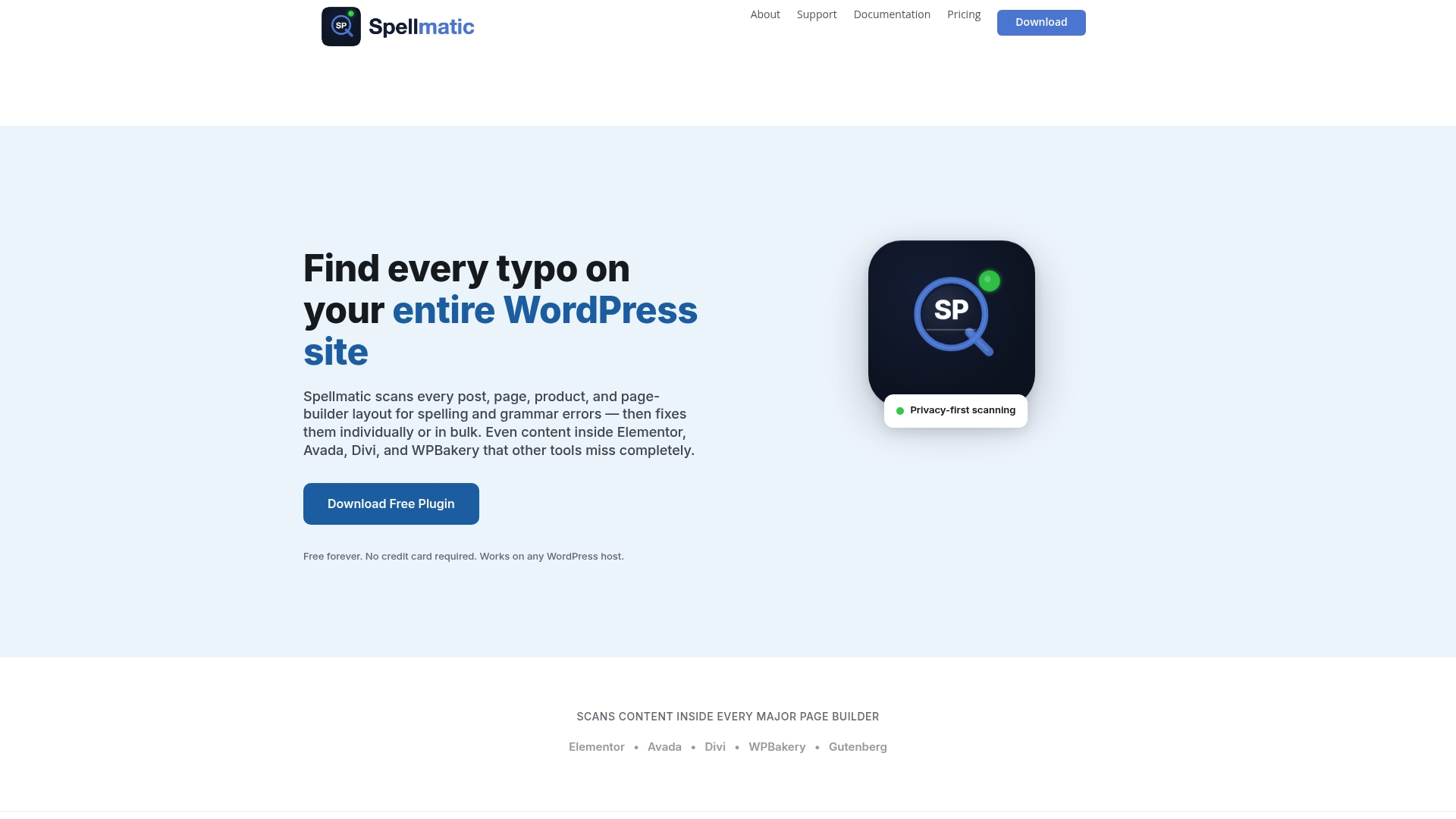
It extracts text directly from page builder modules rather than from the WordPress editor. This lets it find mistakes inside Elementor, Avada, Divi, WPBakery, and Gutenberg content where simpler checkers miss them. The plugin keeps content on your server and uses your own API keys for AI powered proofreading, giving you control over privacy and costs.
Core Features
Spellmatic runs a full site scan to locate spelling and grammar errors across posts, pages, and custom layouts. It performs deep extraction from page builder layouts, pulls text from modules and widgets, and recognises dynamic content that other plugins skip. The tool also supports a custom dictionary, bulk correction tools, and AI powered proofreading that uses your own API keys for providers such as OpenAI and Claude.
Key Differentiator
The standout feature is the deep extraction from page builder modules combined with a privacy first architecture and a Bring Your Own Key model. That combination targets agencies and site owners who must catch errors in complex layouts while keeping data on their infrastructure. It fits teams that want AI assistance without handing raw content to a third party.
Pros
Spellmatic captures text inside major page builders, so you catch mistakes in headers, sliders, and modular templates. The privacy first approach keeps content local unless you choose to run AI checks with your own keys, which helps with confidentiality and compliance. Flexible payment options and multi site support make it practical for single sites, freelancers, and agencies managing several clients.
Cons
- Bulk fix is locked behind the Pro plan. That may slow teams that want immediate mass corrections.
- AI proofreading costs depend on your chosen API provider and usage. Those charges sit outside the plugin and add to operating costs.
- The plugin works only with WordPress. It will not help sites built on other platforms.
When It May Not Fit
If you manage non WordPress properties, Spellmatic does not apply. Small site owners who need unlimited bulk fixes without paying for Pro might find the free tier limiting. Teams that prefer a hosted AI proofing plan without supplying API keys will need a different tool.
Notable Integrations
Spellmatic integrates directly with Elementor, Avada, Divi, WPBakery, and Gutenberg. These connections enable text extraction from builder modules and streamline scanning across complex page templates. There are no other third party platform connections listed.
Who It’s For
This plugin suits WordPress site owners, content managers, and agencies that publish modular layouts and need consistent, polished content. It fits teams that value privacy and want cost control over AI proofing by using their own API keys. Single authors with basic editor content will still gain value, but the advantage grows with site complexity.
Real World Use Case
A digital marketing agency runs Spellmatic across multiple client sites to find errors hidden in page builder modules. The team uses the custom dictionary to keep brand names unchanged and applies bulk fixes from the Pro plan to speed delivery. Using client API keys keeps sensitive copy off external services while still getting AI suggestions.
Pricing
Pricing starts with a free plan. The Site Scan option is a one time $19 purchase. Pro costs $79/year and Agency is $149/year, with the bulk correction locked to paid plans.
Website: https://spellmatic.com
WP Spell Check
At a Glance
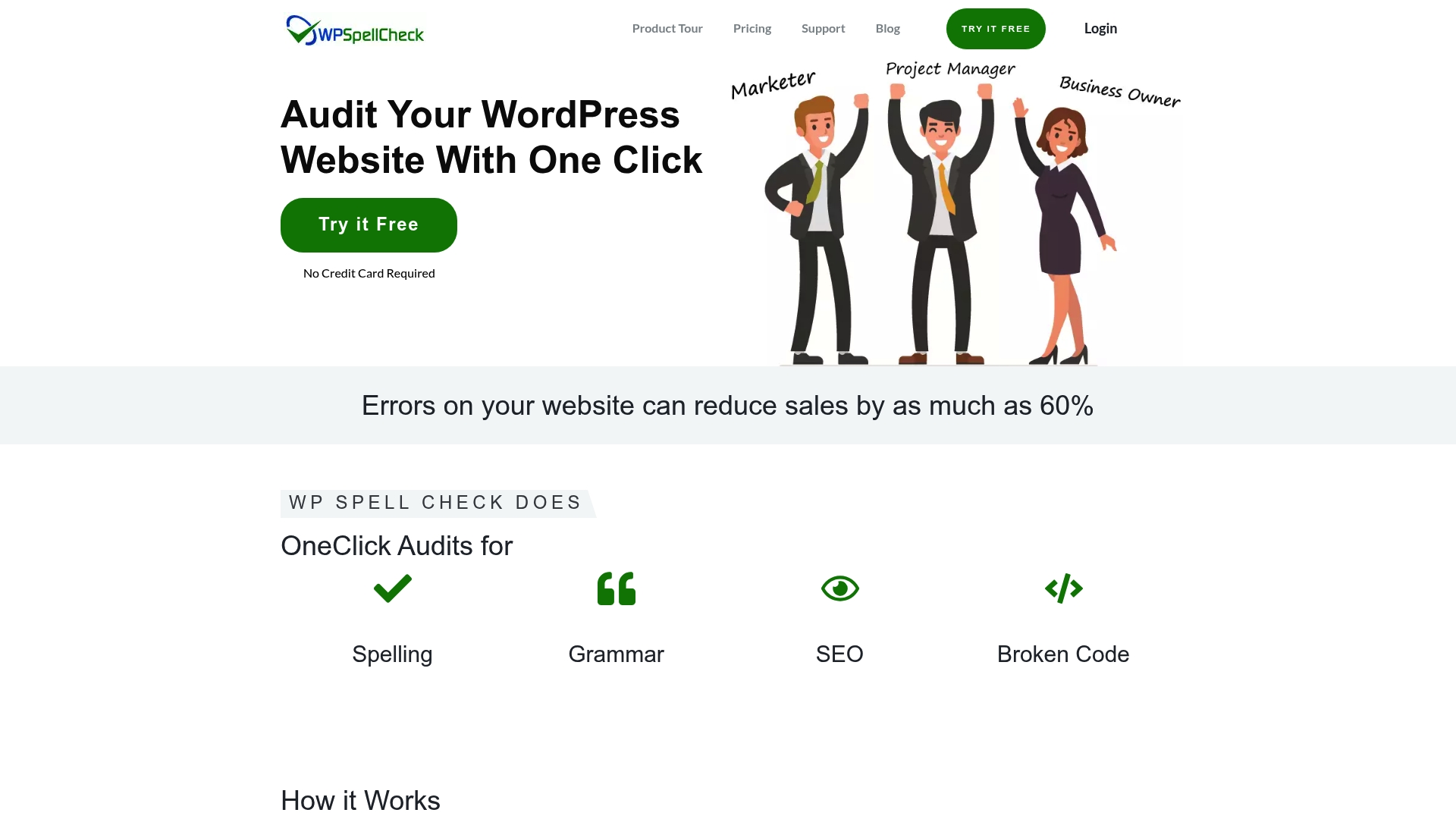
The plugin runs a single audit across an entire WordPress site and reports spelling, grammar, SEO, broken shortcodes, and HTML errors in one results list. The results let you fix issues from the same interface. This cut reduces manual scanning on sites with many pages.
Core Features
WP Spell Check performs one-click audits across the entire site and highlights spelling and grammar faults, broken shortcodes, and common HTML problems. It offers configurable dictionaries for industry terms, multilingual support, and notifications to monitor multiple websites. The tool also provides AI suggestions to help optimise content for search engines while preserving editorial control.
Key Differentiator
The standout feature is the ability to audit an entire WordPress installation in a single pass and let you apply fixes from the results list, including HTML and shortcode repairs. That scope separates it from plugins that check only editor content or individual posts. The combination of site-wide checks plus content optimisation suggestions makes the workflow faster for large sites.
Pros
WP Spell Check automates broad site auditing, which saves time when you manage many pages and posts. It connects with popular WordPress tools such as WooCommerce, Yoast SEO, and Elementor, so audits use the same content structures already in place. The plugin supports multiple English variants and multilingual content, and it offers a free trial so you can test its core functions before paying.
Cons
-
Limited to WordPress websites. It does not work outside the WordPress ecosystem.
-
Some advanced functionality sits behind a paid tier. The free plugin covers basic checks only.
-
The interface can feel complex for absolute beginners. New site owners may face a learning curve.
When It May Not Fit
If you run non-WordPress sites this plugin will not help you. Agencies that require serverless, cross-platform checks should look elsewhere. Teams on very small budgets may find the Pro features necessary for large-scale audits and thus face additional cost.
Notable Integrations
- WooCommerce
- Yoast SEO
- All in One SEO Pack
- Rank Math SEO
- Classic Editor
- Elementor
- Divi Theme
- Page Builder by SiteOrigin
These integrations mean the plugin can read product pages, SEO fields, and page builder content during audits.
Who It’s For
WordPress website owners and digital marketing agencies that manage multiple client sites will benefit most. SEO professionals who need a fast way to find editorial and technical errors will find it practical. E-commerce managers who want fewer mistakes in product descriptions will also gain value.
Real World Use Case
A digital marketing agency runs full audits across hundreds of client sites and exports the issues into task lists for editors. Editors fix spelling and shortcode errors from the plugin results and recheck pages without switching tools. That reduces manual QA time and helps present error-free client websites.
Pricing
A free basic plugin is available to test core features. Pro features require a paid subscription, with the vendor describing paid tiers for advanced monitoring and fixes. Exact tier names and prices are listed on the vendor site.
Website: https://wpspellcheck.com
Spling
At a Glance
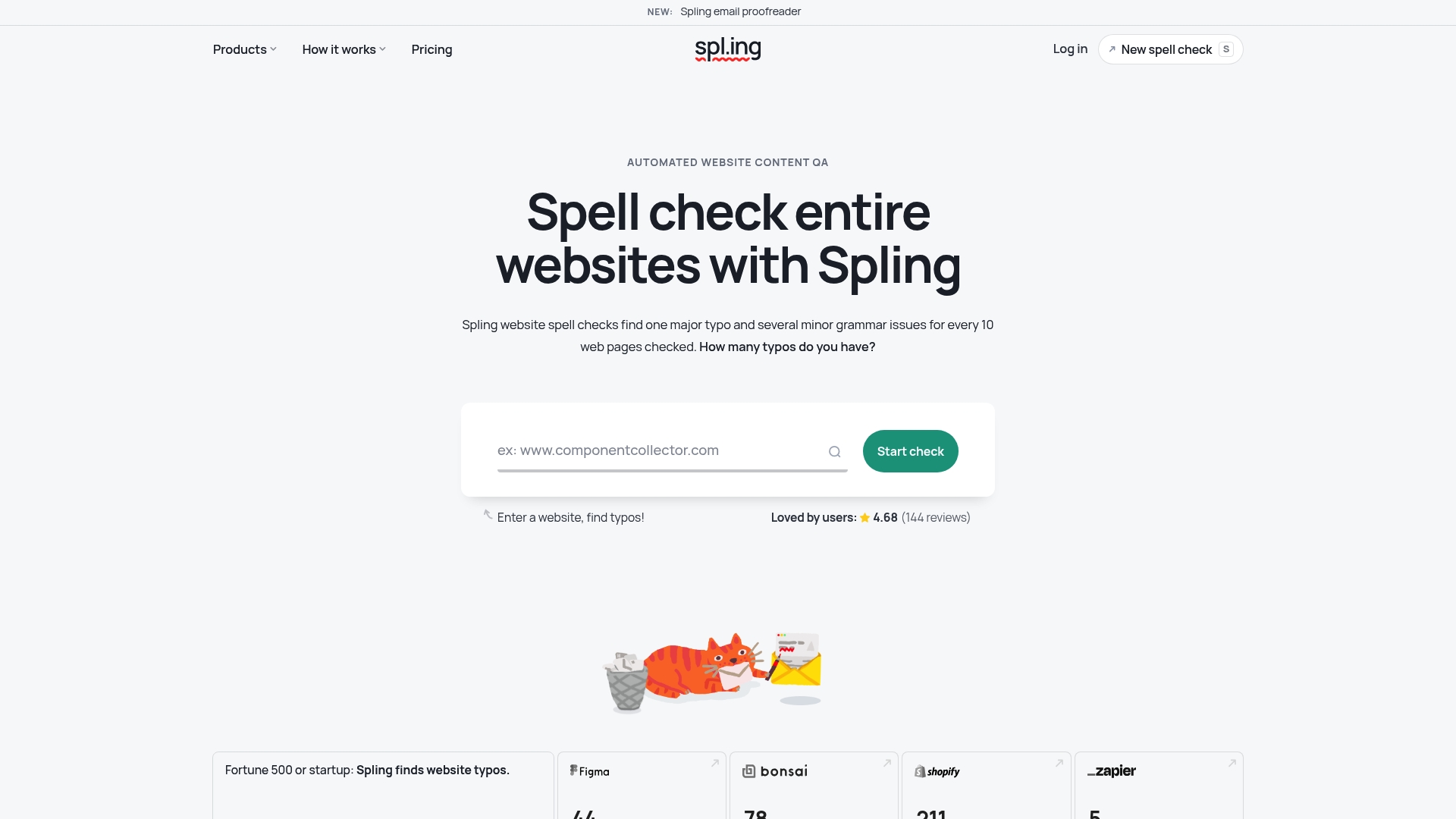
Starts at $6 for 100 pages. Spling automates spelling and proofreading across whole websites, emails, PDFs, and meta tags. It integrates with builders like Wix and WordPress and offers API access for programmatic checks.
Core Features
Spling performs full website spelling and grammar checks and runs email proofreading automation. It displays meta tags for optimisation, counts pages, and analyses sitemaps to support content QA. Developers can call the API access to add automated checks into deployment pipelines.
Key Differentiator
Spling focuses on large scale automated review of entire sites without requiring platform plugins. That approach suits teams that need periodic bulk sweeps across many pages rather than continuous monitoring. Compared with Websitespellchecker, Spling serves a narrower use case geared towards bulk QA and API driven workflows.
Pros
It automates large scale content QA, which saves content teams hours when checking hundreds of pages. Support for multiple languages and regional spelling variants helps global sites keep consistent copy and tone. Integrations with Wix, WordPress, Squarespace, Webflow, and GoDaddy, plus the API, allow checks without installing plugins.
Cons
-
Pricing may be a barrier for very small sites. Plans start at $6 for 100 pages.
-
Limited public detail about AI or contextual proofreading capabilities. That makes judgement of deep context corrections difficult.
-
API access requires a review. That process may delay immediate use for some teams.
When It May Not Fit
Small single page sites with low content volumes will pay per credit and may find costs disproportionate. Teams needing instant API keys for automated pipelines may face delays while their access is reviewed. Organisations that require granular contextual editing or heavy AI proofreading detail may need to trial Spling first.
Notable Integrations
-
Wix
-
WordPress
-
Squarespace
-
Webflow
-
GoDaddy
Who It’s For
Website owners, content managers, and digital marketing teams who manage many pages will gain the most. SEO specialists and agencies that run bulk checks, or that want API driven QA in deployment pipelines, will benefit. Individual bloggers with few pages may find the plans too large for their needs.
Real World Use Case
A digital marketing team scans an entire client portfolio regularly to remove typos and align tone. Developers integrate the API into deployment pipelines so content checks run before new pages go live. That workflow reduces last minute fixes and keeps brand guidelines consistent across many sites.
Pricing
Starts at $6 for 100 pages, with options for bulk credits and unlimited plans for small websites. Monthly subscriptions include team seats and API access, with discounts available for larger packages. A free trial is listed as available for new users.
Website: https://spl.ing
WProofreader CKEditor 5 Integration
At a Glance
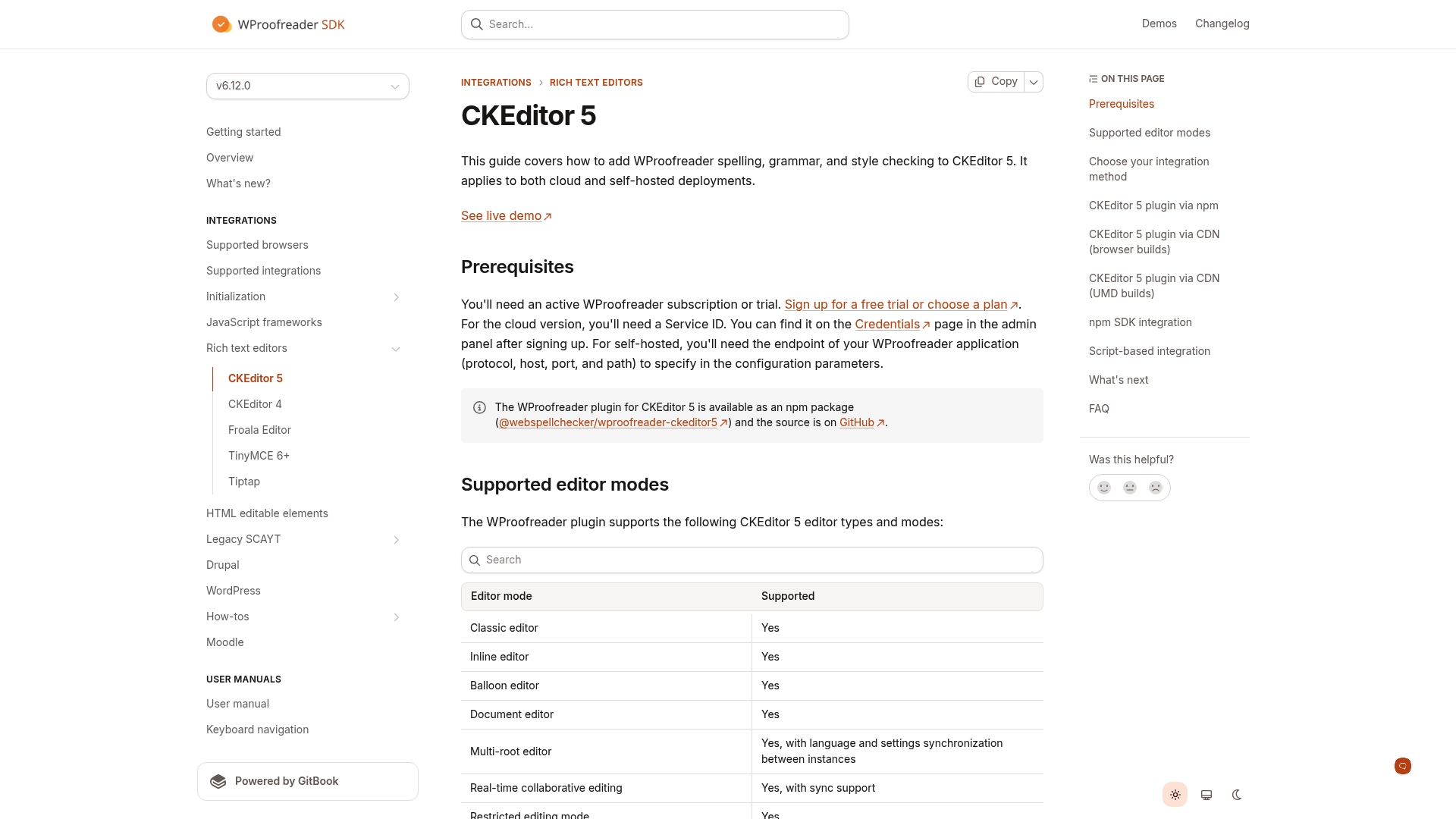
WProofreader supports both cloud and self hosted deployments for CKEditor 5, with install options via npm or CDN. The integration adds live spelling, grammar, and style checks inside the editor. It also bundles an AI writing assistant and tools for custom dictionaries and accessibility reporting.
Core Features
The plugin delivers continuous spell and grammar checking alongside a style checker and text autocomplete. It includes a style guide builder, spelling autocorrect, and support for specialised and custom dictionaries so editorial rules travel with content. Accessibility checks and analytics provide basic oversight of content quality while the AI writing assistant, labelled AIWA, suggests rewrites and phrasing alternatives.
Key Differentiator
The integration ships as a native CKEditor 5 plugin with toolbar support and theme matching, so proofreading feels like part of the editor rather than an external overlay. It also integrates with collaborative editor modes so multiple authors see checks during real time editing. Those points help reduce context switching during publishing.
Pros
Native toolbar integration makes the proofreading controls visible to authors without extra UI wiring, and theme matching keeps the toolbar consistent with CKEditor 5 skins. The SDK and multiple delivery methods, including an npm package and CDN scripts, mean you can deploy it inside a single page app or a server rendered CMS. Documentation includes examples for different editor types and TypeScript support, which speeds implementation for teams that prefer typed code.
Cons
- Requires a WProofreader subscription or trial to activate features, so costs appear early in the project lifecycle.
- Some advanced features need explicit configuration and an understanding of CKEditor 5 plugin development, which raises initial integration time.
- Integration complexity varies by the chosen method, from simple CDN scripts to deeper npm based setups, so the effort depends on your stack.
When It May Not Fit
If your team lacks CKEditor 5 experience, the integration will add overhead during development. If you cannot commit to a subscription, many capabilities remain unavailable. If your application uses a different rich text editor, this integration will not apply.
Notable Integrations
- NPM package: @webspellchecker/wproofreader-ckeditor5 for project installation.
- CDN JavaScript modules: browser friendly delivery for quick tests and low friction deployment.
- SDK for custom integrations: use the SDK when you need server side control or bespoke workflows.
Who It’s For
This integration fits web developers and CMS integrators who build custom publishing flows around CKEditor 5. It suits technical teams that need editorial rules enforced inside the editor and that can manage plugin configuration. Enterprise projects that require collaborative editing and consistent styling will find the native approach practical.
Real World Use Case
A media company added the plugin to its publishing platform so editors see grammar and style problems as they work. The team used custom dictionaries and the style guide builder to match house style. That reduced pre publish corrections and cut editorial back and forth.
Pricing
Pricing requires signing up for a plan or trial and is published on the vendor site. You must register to view tier details and feature availability. For quick access to pricing and trials, follow the vendor link below.
Website: https://docs.wproofreader.com/v6.12.0/integrations/rich-text-editors/ckeditor-5
Comparison of alternatives
Clients seeking effective solutions for detecting and correcting linguistic inaccuracies on websites have access to a range of uniquely characterised tools in the current market. Each option caters to distinct use cases and organisational requirements, as described below.
Pricing and access models
Website SpellChecker distinguishes itself through its usage-based pricing mechanism, which eliminates recurring costs and enables flexibility with a starting rate of £0.08 per page, complemented by a 50-page free trial. In comparison, while Spling starts at £5 per 100 pages and offers plans suitable for bulk requests, the credit-based mechanism might conduce higher costs for smaller-scale users. WProofreader features bespoke pricing requiring contact with the vendor, which could institutionalise variability in accessibility for smaller operations. Spellmatic offers tiered pricing ranging from £15 for basic features to £150 for agencies, focusing predominantly on WordPress environments.
Functional prioritisation
Each tool underscores key aspects of proofreading. Website SpellChecker offers simultaneous multilingual deployment without emphasising editorial setup. Conversely, Spellmatic excels at WordPress modular integrations, expanding functionality within frameworks like Elementor. For developers integrating collaborative environments, WProofreader presents native alignment within platforms like CKEditor, thereby enhancing prolonged editing campaigns.
Best fit
- Content managers of multilingual websites relying on non-technical error detection would gain efficiency using Website SpellChecker.
- WordPress users focused on modular content creation should consider Spellmatic, leveraging its page builder concentration.
- Quality control specialists intending deployment-integrated API workflows might favour Spling.
Our pick
Website SpellChecker earns recognition as a flexible, precise proofreading option. Its direct-to-need pricing structure, multilingual adaptability, and absence of requiring plugins makes this tool for enterprises seeking accuracy while preserving workflow simplicity. In instances involving granular-focused platforms or API-centred integration capabilities, alternative options within the discussed tools may serve niche needs.
Choose the tool that best matches your site’s scanning needs, language capabilities, and integration preferences.
| Product | Core Feature | Key Differentiator | Pricing | Notable Limitation |
|---|---|---|---|---|
| Websitespellchecker | Instant website scanning reports | Usage-based pricing, starting at $0.08 per page | $0.08 per page with 50 free pages | Cannot scan password protected pages |
| WProofreader | Multilingual proofreading with AI paraphrasing | Deployment flexibility: On-premise and cloud hosting | Price not published | Service pauses after usage limit exceeded |
| Spellmatic | Full site scan including page builder modules | Privacy-first approach with Bring Your Own Key model | $79/year, $149/year agency | Limited to WordPress |
| WP Spell Check | One-click full-site audits | SEO optimisation alongside spelling and grammar checks | Free trial, paid tiers | Free plugin lacks advanced audit features |
| Spling | Large-scale site proofreading and meta checks | No plugins needed; bulk checks via API integrations | From $6 for 100 pages | API access requires approval before use |
How to Ensure Your WordPress Site Remains Free of Spelling and Grammar Issues
WordPress site owners, developers, and digital marketing teams often face the challenge of keeping content polished across numerous pages and complex layouts. Errors can undermine professionalism and damage customer trust. Websitespellchecker offers a practical, AI powered solution that scans entire websites instantly, pinpointing spelling and grammar mistakes while tracking improvements over time. Its usage based model, including 50 free pages, lets you check your site without a subscription commitment.
Key benefits include:
- Instant reports showing exact error locations
- Support for more than 20 languages
- The ability to monitor quality changes after fixes
Explore Websitespellchecker to maintain a professional online presence with ease.
Try Websitespellchecker today and receive your 50 free pages to validate content quality before making any purchase.
FAQ
How does Websitespellchecker track changes over time in website quality?
Websitespellchecker monitors site quality over time through its tracking feature. This enables users to confirm improvements after addressing flagged errors. Expect to see measurable results after implementing corrections on your site.
What is the difference between WProofreader and Websitespellchecker?
WProofreader excels in providing both on-premise deployment and cloud hosting solutions, appealing to companies that require local data control. Websitespellchecker, on the other hand, is ideal for users who need quick verification of typo-free content across multiple pages without the need for ongoing subscriptions.
Can I use Websitespellchecker for scanning password-protected sites?
Websitespellchecker does not scan password-protected or private pages. This limitation means it is best suited for content that is publicly accessible, making it effective for public website content verification only.
How does the pricing model of Websitespellchecker compare to Spellmatic?
Websitespellchecker employs a usage-based pricing model starting at $0.08 per page, with 50 free pages for new users. In contrast, Spellmatic offers a free plan and additional features locked behind paid plans, making Websitespellchecker a more flexible option for occasional checks across multiple pages.
What unique feature does Websitespellchecker offer for detecting errors?
Websitespellchecker provides instant, comprehensive reports that pinpoint the location of each spelling and grammar error. This feature is beneficial for teams looking for actionable results without sifting through lengthy editor content.